HOW TO SET UP A TRIPOD FOR FLOOR PLANS AND TOURS
Using your own tripod
We need to know the height from the floor to the middle of the camera lens to provide accurate dimensions on your floorplans.
If you have one of our tripods, you don’t need to take any measurements.
If you use your own tripod, follow this guide to make sure we have the correct height for your equipment.
01
Set up your tripod
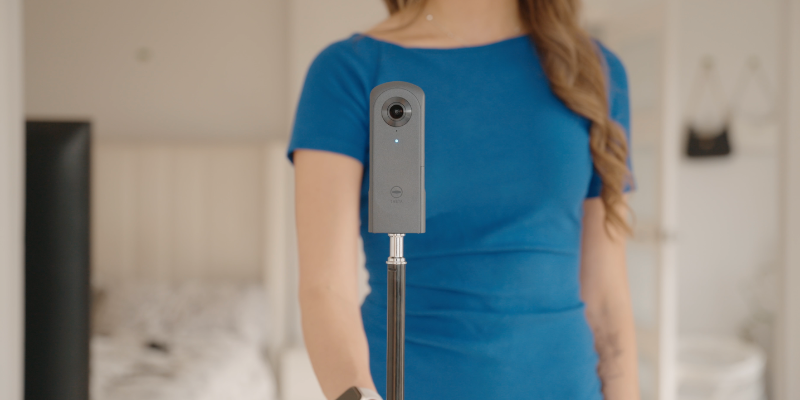
We recommend you set it up to chest height to get a good view of each room. It should be able to comfortably see over worktops. You can choose your own height, but our camera packs are set to 133.5cm.
02
Mark your tripod
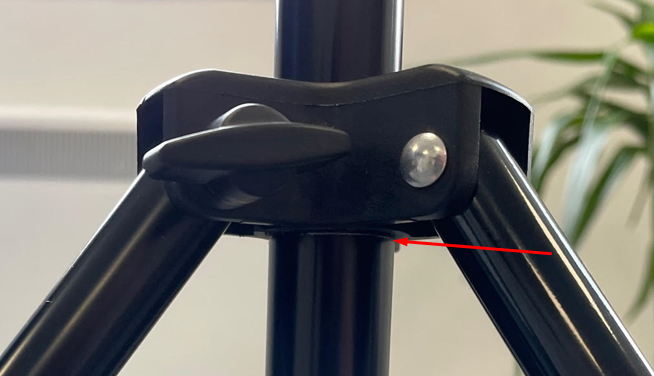
Consistency is critical, your tripod must be at the same height for all capture. We recommend creating a permanent marking on your tripod like a score line.
03
Measure accurately
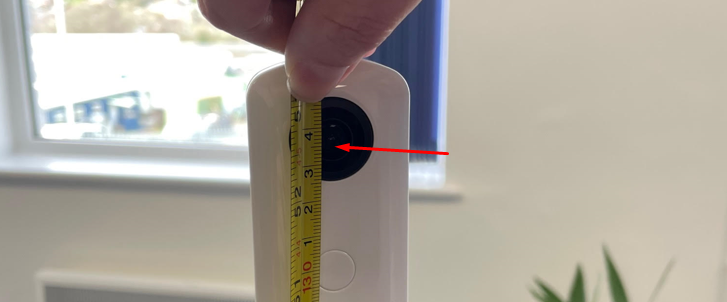
Using a measuring tape, put the bottom of the tape on the floor and measure up to the centre of the camera lens.
04
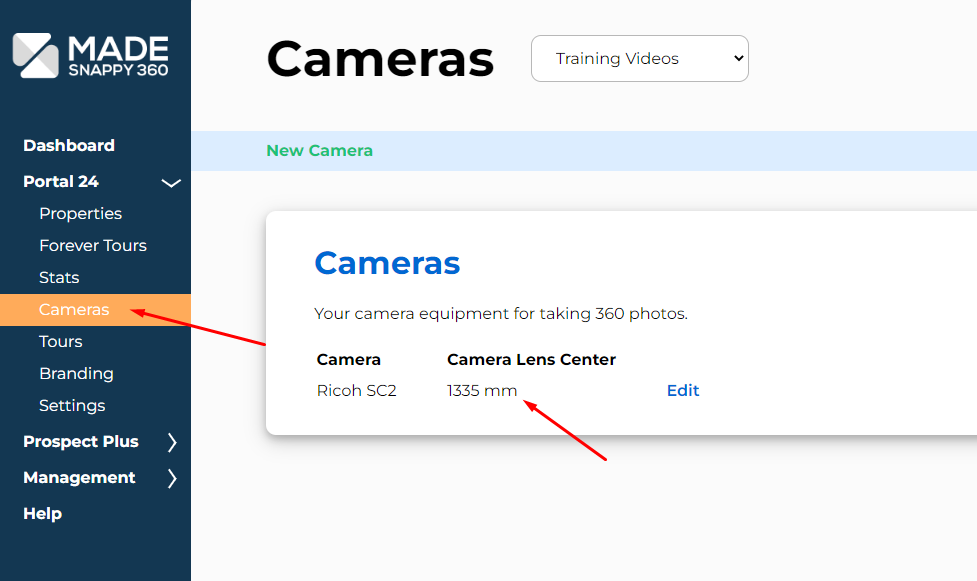
Add to settings
Go to the cameras page, and make sure the camera is set to the height you have measured